Project Triune
A desktop companion that reads the log file EverQuest already writes and turns it into a live DPS meter, fight history, trigger alerts, and a ledger of everywhere you have been.
Eleven pages, all fed by the same log tail.
A live meter with per-skill breakdowns, a rolling DPS curve, damage by mob, procs and the raw stream. A timeline view puts one lane per skill, so misses read as gaps.
World blessings with live countdowns, who is levelling and arriving, and the auction traffic going past.
Levels, ability points and kill rate per character. Expansion gates and Plane of Time flags tick the moment the boss dies in your log.
The server's raid boards — first clears, fastest kills, highest DPS, by bracket. Read-only; the app never submits anything.
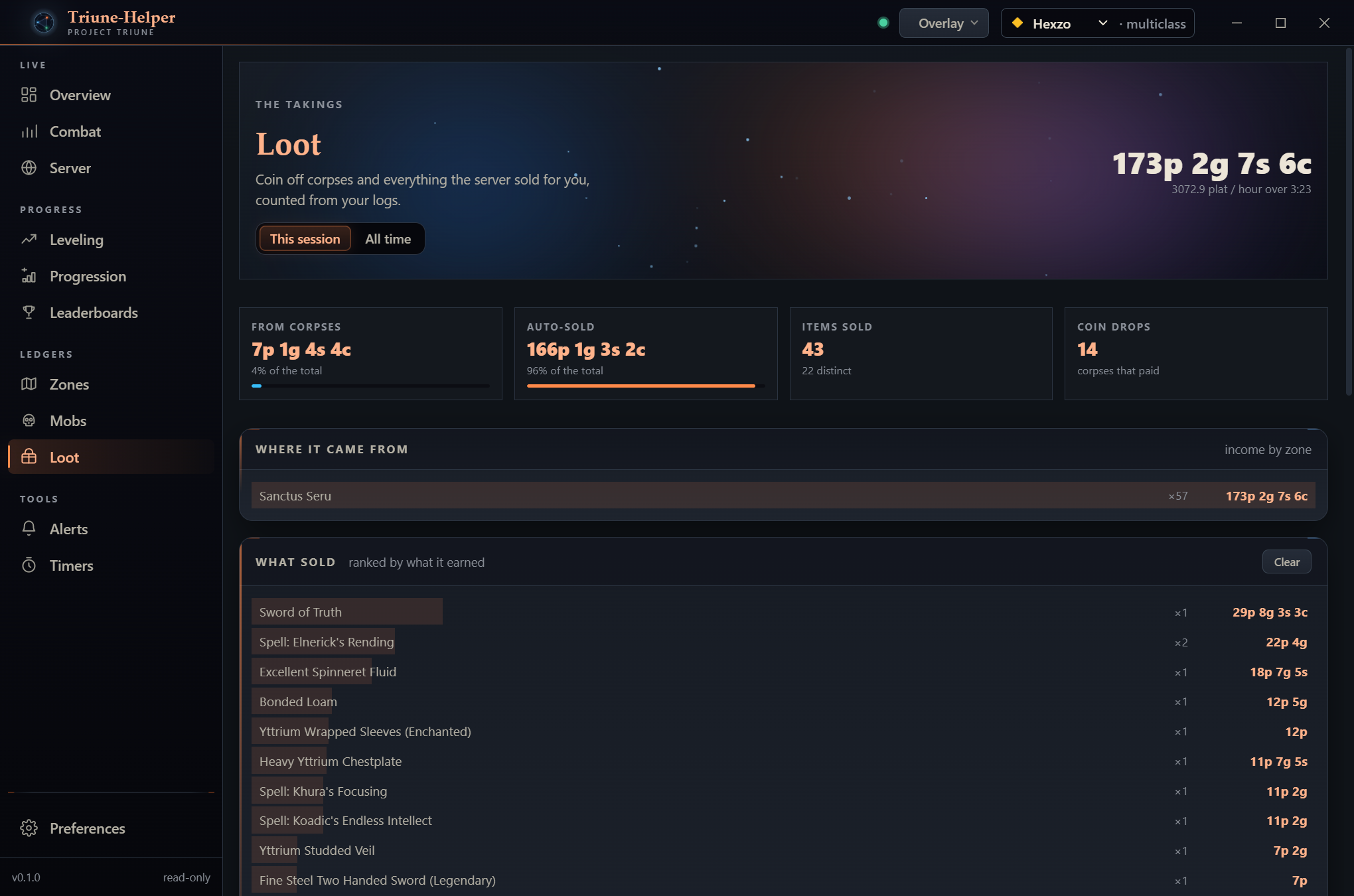
A lifetime ledger of where the hours went, a bestiary of what you have killed and what has killed you, and every copper the server sold for you.
Rules over log lines with sound and speech, shareable as one string you can paste into Discord. Countdowns, plus respawn windows worked out from your own kills.
Always-on-top meter and stream windows. They open locked — clicks pass straight through to the game, so a stray click can't take focus and leave you running into a wall.
All three clients log the same third-party lines. Summing them would triple every mob swing, so each event is counted from exactly one log. The test suite asserts three logs of a fight total exactly what one log of it totals.
Two steps and one warning you should expect.
Grab Triune-Helper-Setup.exe from the latest release. It installs for your user only — no admin prompt — and finishes on a page with Run Triune-Helper ticked.
For each character you play, type:
/log on
Nothing appears in the app until you do this. It is the only setup step there is.
The app finds eqlog_<Character>_multiclass.txt by itself. If your
install lives somewhere unusual, point it at the right folder in Preferences and it
attaches immediately — no restart. The Combat page fills in as the log is written.
Every one of these is a thing the log cannot tell us. Inventing them would be easy and dishonest.
All of it in one folder, none of it near your game.
%APPDATA%\triune-helper